you have the privileges to manage and oversee a Space. This includes managing space members, adding teams under the space panel and using the grid to view and organize tasks across all teams within the Space.
To manage Space Managers, use the Space Settings pop-up while creating a new space, make the required changes, and click Save.
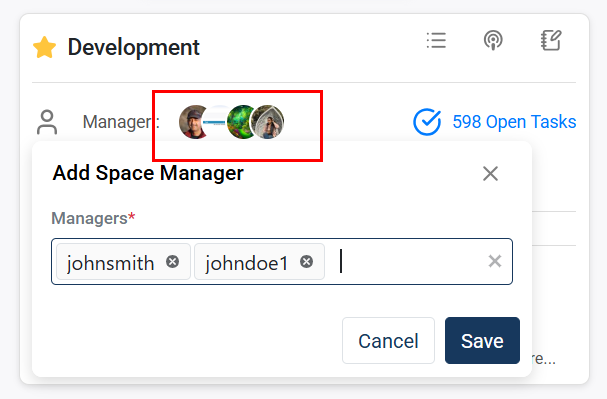
After creating a space, you can add or remove Space Managers from the Space card, shown below:
With the Space Grid, you can easily manage and edit tasks directly, eliminating the need to navigate through individual teams, as shown below: