
User Project Engagement and Work Allocation
The Work Allocation feature allows users to update their project engagement, work allocation percentage, availability, and any other work-related data. This helps managers track resource utilization, workload distribution, team capacity, and project commitments across the organization.
How to access and manage User Work Allocation
- Login to your Drutas application.
- Overview: click the Overview icon in the left panel. The Reporting panel displays your work allocation and your reportees’ work allocation.
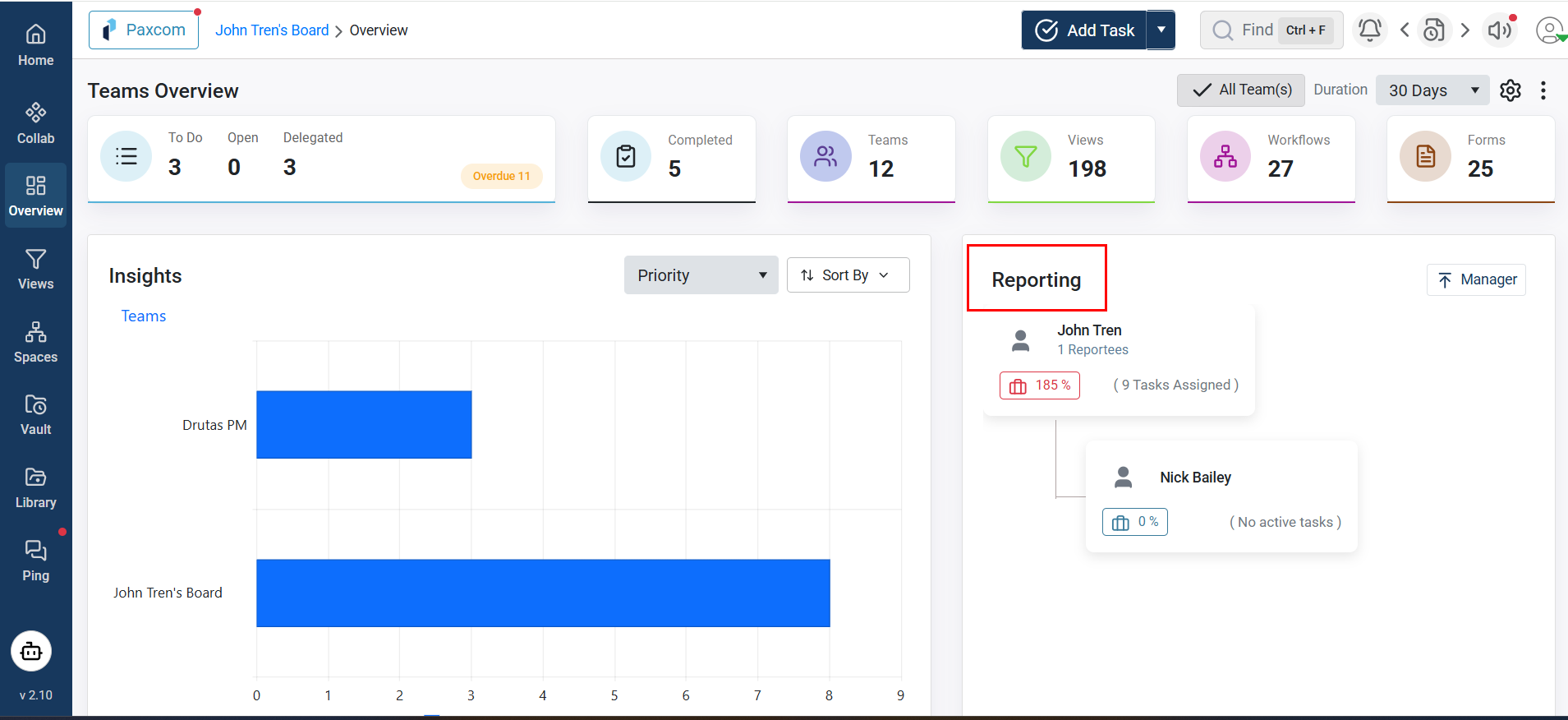
- Click the View Work Allocation button located below your name. The Work Allocation pop-up opens.
- The pop-up displays all teams where you are assigned as a Manager or Collaborator. If you are a manager, you can update a team member’s role to Collaborator using the Team Role dropdown.
- Within the Team Role section, use the Engagement panel to manage project allocations. You can assign allocations using the default assignment blocks or create additional blocks by clicking the plus (+) icon.
- Users who report to you are listed below your name. To view their work allocation details, click the Work Allocation button, as shown below.
- You can also click the Manager button to view your manager and their reportees.